
AI Planning Tool for Event Planners | Tasks, Teams & Execution | Praloop
AI Planning Tool

Turn your brief into a plan your team can execute

Stop spending days building execution plans from scratch. Upload your event brief and Praloop's AI generates a complete, structured plan with tasks, deadlines, and team assignments — ready in minutes.

No credit card required · Cancel anytime
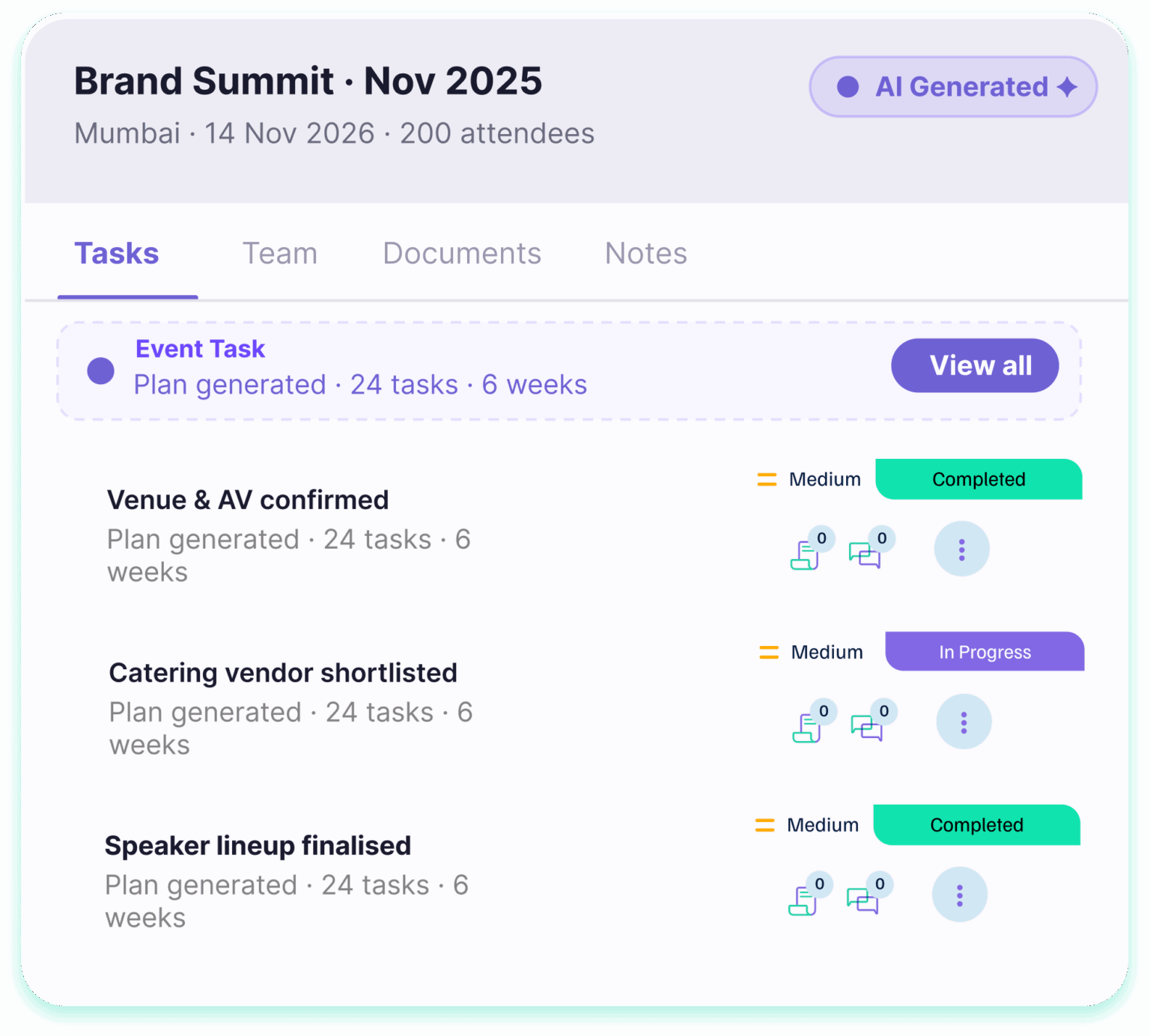
Praloop AI Planning Tool — AI-generated execution plan with tasks and team assignments
AI-Powered Planning

AI-generated plans built for your specific event

Upload your event brief and the AI reads your objectives, audience, format, and budget — then builds a full task-by-task execution plan automatically. No generic templates. No manual setup.

  • Full execution plan generated from your brief in minutes
  • Tasks auto-sequenced based on your event type and scale
  • Deadlines calculated backwards from your event date
  • Priority levels assigned to every task automatically
  • Edit, add, or remove any task after generation
  • Kanban and list view available for the whole team
Generate Your First Plan
AI-generated event execution plan in Praloop
Teams & Documents

Your whole team and every document in one place

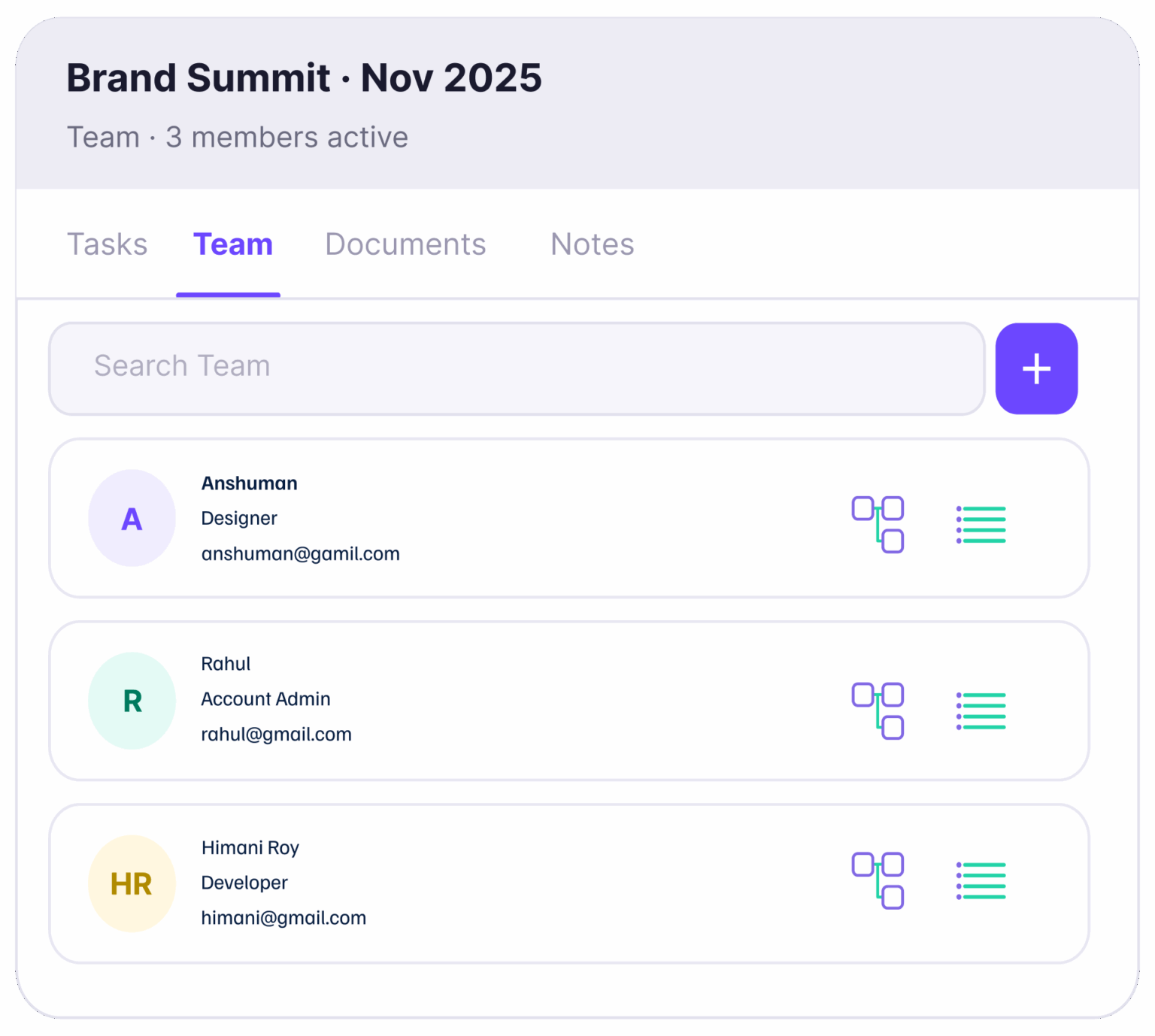
Assign tasks, track ownership, and store all project documents without ever leaving the workspace. Everyone sees the same plan, the same files, and the same progress in real time.

  • Assign tasks with clear ownership and due dates
  • Real-time progress tracking across all tasks
  • Upload and store all project documents in one place
  • Up to 10 team members on Basic, 30 on Advance
  • Every team member sees the same up-to-date plan
  • No external tools needed — everything in the workspace
Start Collaborating
Team management and document storage inside Praloop AI Planning Tool
Project Notes

A shared space where your team captures everything that matters

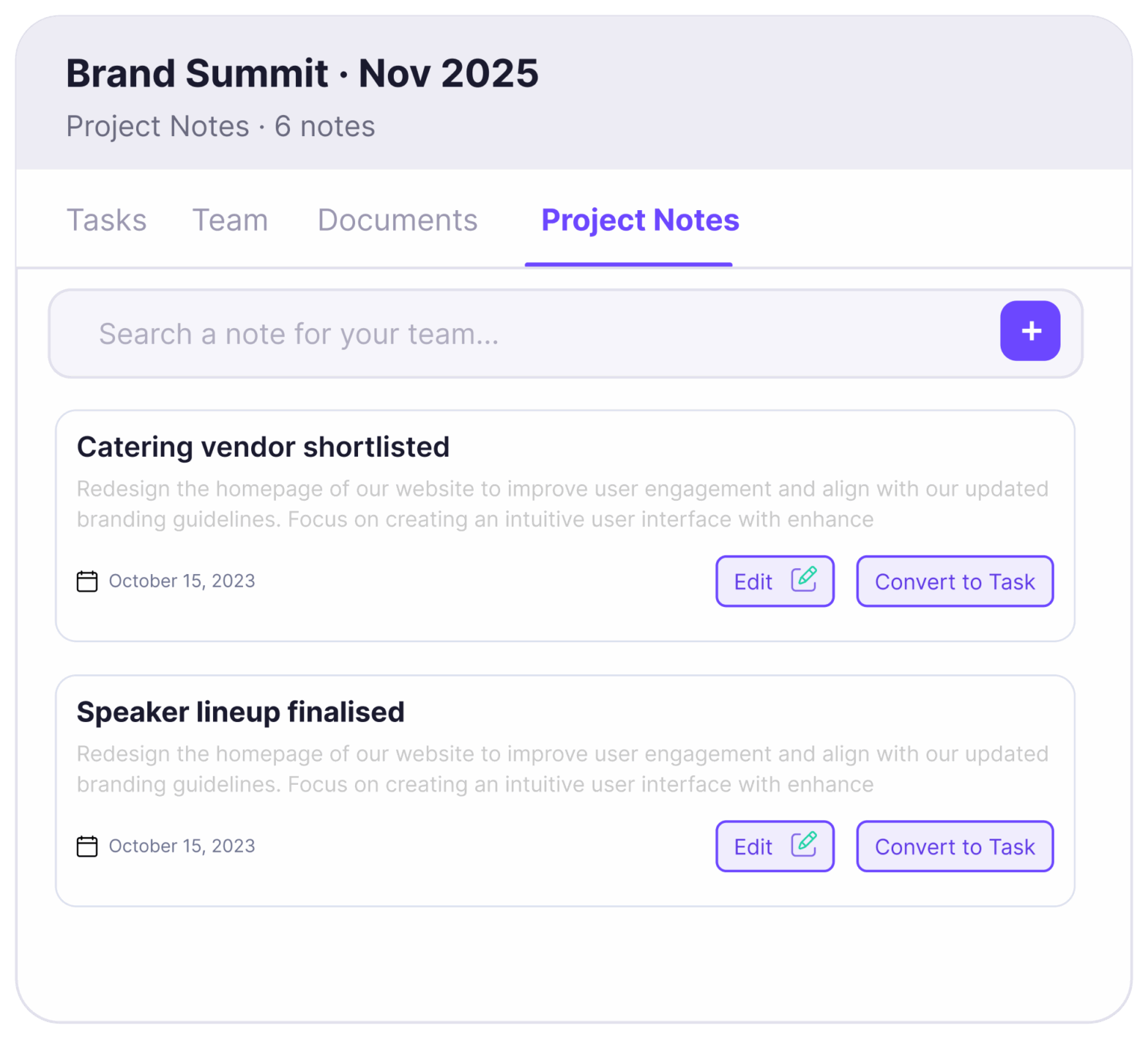
During an event, things move fast. Project Notes give every team member a place to log updates, flag issues, and share context in real time. Everyone on the project can read, add, and refer back to notes at any point.

  • Any team member can add a note at any time
  • Notes are visible to the full project team instantly
  • Searchable log of everything flagged during the event
  • Timestamped and attributed to the author
  • No separate messaging app needed
  • Everything stays inside the project for future reference
Try Project Notes
Project Notes feature inside Praloop AI Planning Tool
How It Works

Four steps from brief to execution

Input your event details, let the AI build the plan, and execute with your team — all inside one workspace.

Upload brief
Download your approved brief from the Brief Generator and upload it
The AI reads all your brief context — objectives, audience, format, and budget — automatically. Takes under 2 minutes.
Generate plan
AI builds the full execution plan
Tasks are sequenced, deadlines are calculated from your event date, and priority levels are assigned. A complete, actionable plan ready in minutes.
Assign team
Assign tasks and add the team
Assign owners, upload documents, and add the whole team to the workspace. Everyone sees the same plan and tracks progress in real time.
Execute and log
Execute and capture notes in real time
Mark tasks complete, add project notes as the event unfolds, and keep a searchable log of everything flagged — all inside the workspace.
Specifically Built For

Three audiences. One planning tool.

For event teams who currently manage execution in spreadsheets and want everything inside one connected platform.

Corporate Event Teams

Internal summits, conferences & offsites

Standardise planning across all company events, streamline approvals, and track progress against your event plan — all from one workspace your whole team can access.

Brand & Marketing Teams

Activations, launches & experiential campaigns

Go from campaign brief to fully planned, team-ready execution fast. Coordinate agencies, vendors, and internal teams inside the same project without switching tools.

Event Agencies

Multiple client events, one platform

Run separate project workspaces for every client event simultaneously. Each event has its own tasks, team, documents, and notes — with no overlap between projects.

Plan, collaborate, and execute events with ease

Praloop combines AI planning, team collaboration, and financial tracking in one platform.

AI Planning Tool AI Brief Generator AI Creative Studio Project P&L Module

Frequently asked questions

Everything you need to know about the AI Planning Tool.

What is the AI Planning Tool?+
The AI Planning Tool takes your event brief and generates a complete, structured execution plan automatically. Tasks are sequenced, deadlines are calculated from your event date, and the plan is ready for your team to execute within minutes. No generic templates — every plan is specific to your event type, scale, and objectives.
Do I need a brief to use the AI Planning Tool?+
No. You can upload a brief from the AI Brief Generator for the most accurate and context-rich plan, or you can input your event type, size, objectives, and key dates directly. Both approaches produce a complete execution plan.
Can I edit the AI-generated plan?+
Yes. Every task, deadline, and assignment in the AI-generated plan can be edited. You can add tasks, remove tasks, reassign owners, adjust deadlines, and change priority levels at any time after generation.
How many team members can I add?+
Trial accounts support 1 team member. The Basic plan supports up to 3 team members. The Advance plan supports up to 10. For larger teams, contact us for Enterprise pricing.
What event types does it support?+
Corporate summits, brand activations, conferences, product launches, exhibitions, award nights, MICE events, and more. The AI adapts its plan structure based on your specific event type so tasks are relevant and correctly sequenced.
How many AI credits does generating a plan consume?+
Generating an AI plan consumes credits based on the size and complexity of the event. Trial accounts include 50 credits. The Basic plan includes 300 credits per month and the Advance plan includes 800 credits per month. You can top up credits at any time without upgrading your plan.
Can I run multiple events simultaneously?+
Yes. Each event lives in its own project workspace with its own tasks, team, documents, and notes. Your team can switch between projects without any overlap or confusion.
What are Project Notes?+
Project Notes give every team member a shared space to log updates, flag issues, and share context in real time. Every note is visible to the full project team, timestamped, and attributed to the author. The full log is searchable at any point during or after the event.

Ready to take your business to new heights?

Ready to unlock the full potential of your business with cutting-edge AI technology? Start your journey towards streamlined operations, enhanced decision-making, and unparalleled growth today.

Gurugram, Haryana, 122102

Praloop is the all-in-one platform where event planners build briefs, manage projects, create designs, and track finances. One tool from the first idea to the final invoice.

Company

Copyright © 2026 Praloop | Terms & Conditions | Privacy Policy